What this setup creates
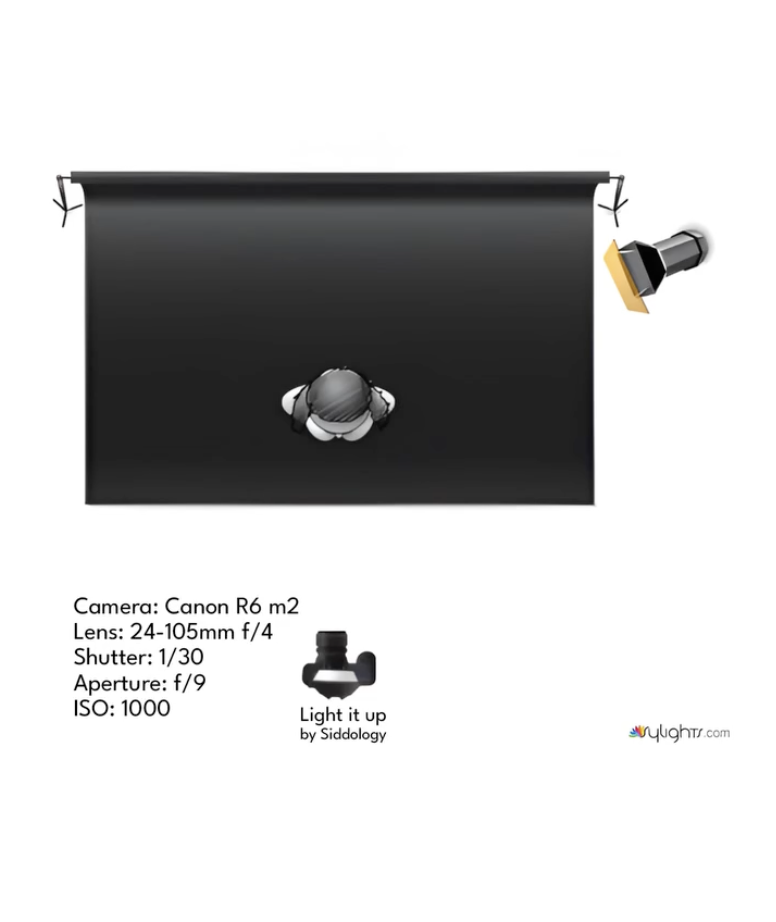
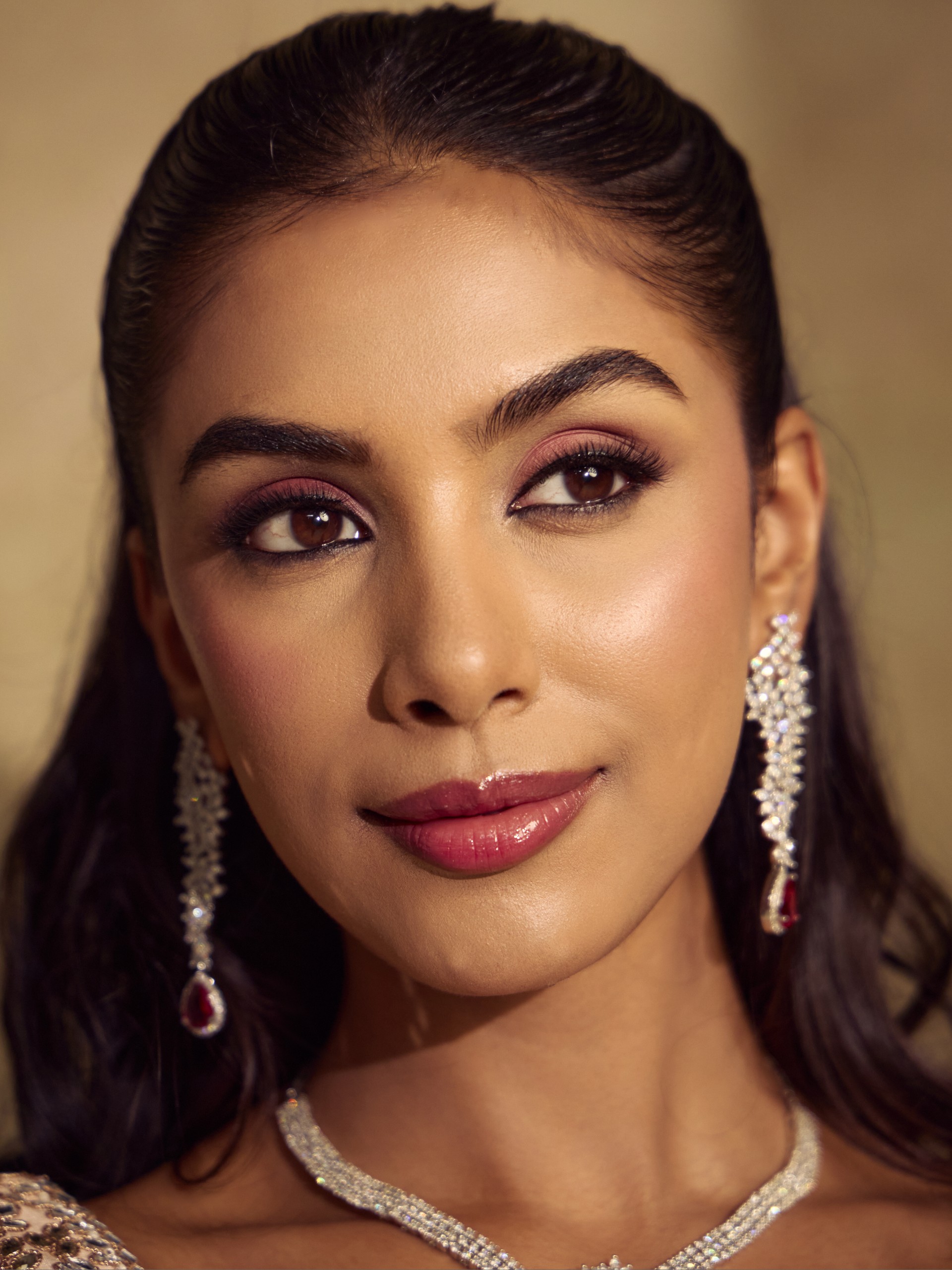
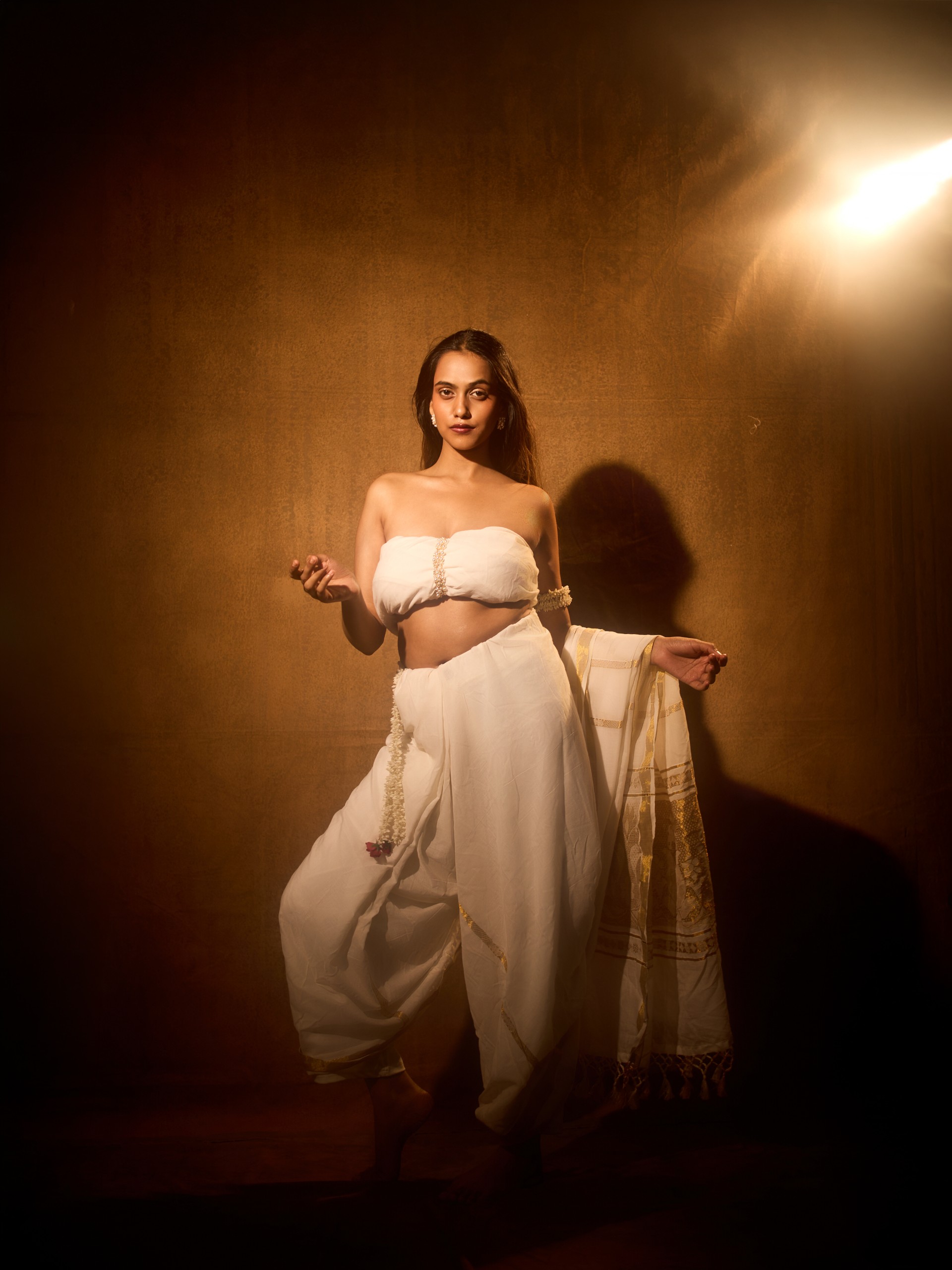
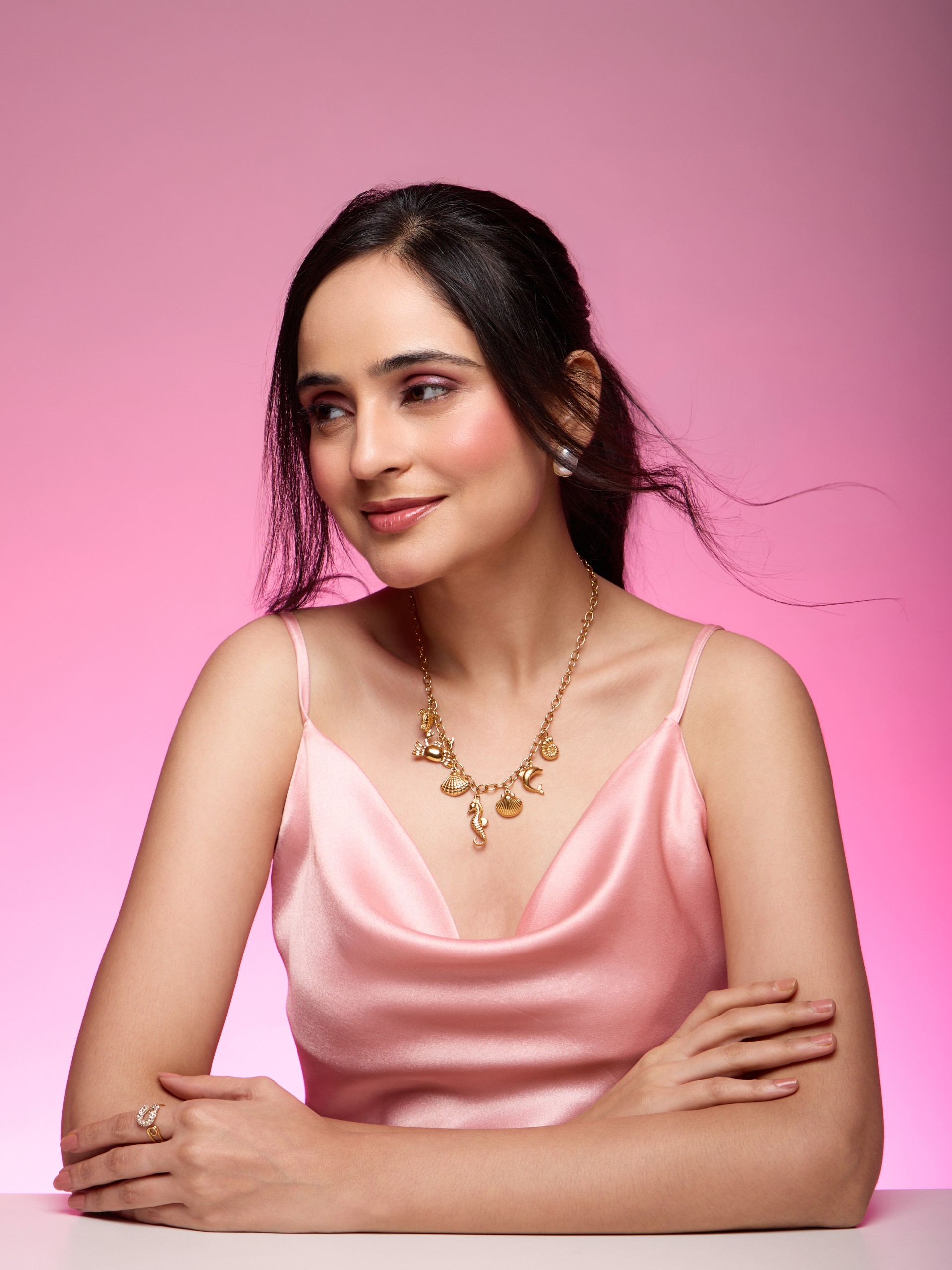
A male photographer demonstrates a portrait lighting setup using an on-camera flash as the key light and a continuous video light as a backlight on a female model.
Light placement
Key light is an on-camera flash. Backlight is a continuous light positioned behind the subject, slightly camera-right.
How to build it
The primary light is an on-camera flash providing direct, somewhat harsh illumination. A continuous video light acts as a backlight, creating warm highlights and lens flares in the final images. The background is a dark brown fabric.
- Lighting style
- Mixing on-camera flash with a continuous backlight for a dramatic and warm-toned result.
- Key light
- Front light
- Light quality
- Hard light, High contrast
- Shadows
- Deep shadows, Dramatic shadows
- Background
- Seamless backdrop, Ambient spill
- Colour
- Warm tones
- Visual mood
- Dramatic, Fashion-forward, Commercial clean, Premium
Camera settings
Suggested starting point- Aperture
- f/8
- Shutter speed
- 1/160s
- ISO
- 100
- Focal length
- 85mm
- White balance
- Flash
Inferred standard studio portrait settings for flash photography to achieve good depth of field and freeze motion, balancing with continuous backlight.